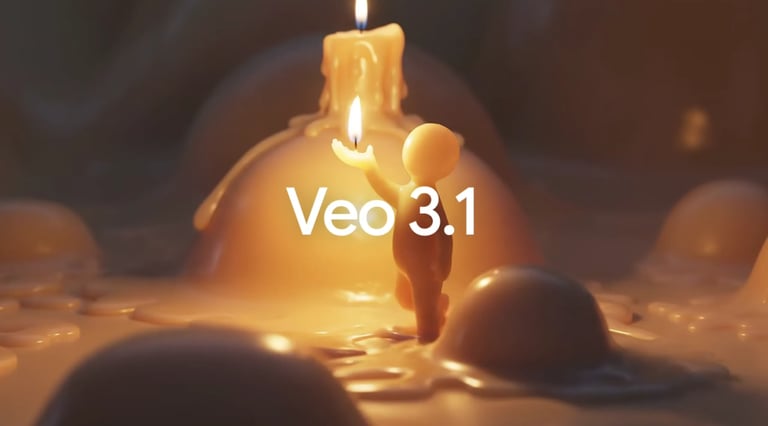
Google Veo 3.1: The Real Deal or Just Another Render? [2026 Review]
Yo, listen up. I just clocked about 12 hours straight in the lab stressing the absolute hell out of Google Veo 3.1, and I’m finally ready to spill. If you’ve been scrolling through Twitter or LinkedIn seeing these "perfect" AI videos and wondering if they’re actually usable or just cherry-picked prompts, this is for you

The Honest Take: What Does It Actually Do?
Veo 3.1 isn't just a "text-to-video" box; it’s a full-on multimodal latent diffusion powerhouse.
The biggest game-changer here is that it doesn't just "guess" the motion. It uses a refined temporal consistency engine that treats the video like a sequence of logical events rather than just shifting pixels. It generates high-fidelity, 8-second clips that feel weighted. When a car turns a corner in Veo 3.1, the physics of the suspension actually look right.
But the real "mic drop" moment? Native Audio Generation. It’s not just slapping on a royalty-free track. It generates 48kHz dialogue, sound effects, and ambient noise that is temporally synced to the visual action in a single pass.
The Brutal Breakdown: Pros & Cons
PROS
CONS
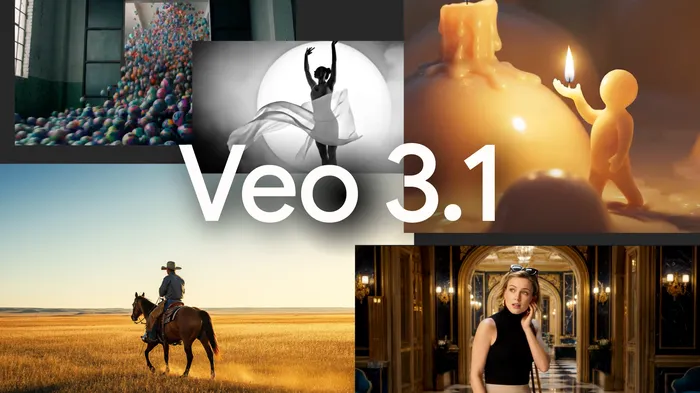
Insane Consistency: Character and object permanence are best-in-class right now.
Production-Ready Audio: The native audio sync is a massive workflow hack.
4K Output: The upscaler actually adds detail instead of just blurring the edges.
Frame Control: You can specify the first and last frames to "guide" the motion.
8-Second Hard Cap: The base generation is short. Yeah, you can "extend" it up to 140s, but it gets pricey and requires a lot of hand-holding.
The "Ultra" Tax: To get the true 4K, high-bitrate Standard model, you have to pay a massive premium.
SynthID Watermarking: It’s embedded in the metadata and pixels. Good for safety, annoying for some "clean" aesthetic purists.
Pricing & ROI: Is It Worth Your Cash?
Google’s pricing is a bit of a maze, so let me break it down:
Plus ($7.99/mo): Total bait. You only get the "Fast" tier (720p/1080p). Fine for hobbyists, skip it for work.
Pro ($19.99/mo): The "Sweet Spot." You get $10 in API credits back. Good for mid-level creators.
Ultra ($249.99/mo): This is the "Enterprise Tier." You get the Standard 4K model and commercial rights.
My Verdict: If you are a solo creator, stick to the Pro tier and use the API for your "Hero" shots. Don’t drop $250 a month unless you’re running a literal agency. The ROI on the Standard model is only there if you’re billing clients $1k+ per video.
Value Deep-Dive: Why You Won’t Bounce After 30 Seconds
Let’s talk about why Veo 3.1 is currently eating the competition's lunch in May 2026:
1. Identity Persistence (The "Ingredients to Video" Secret)
Most AI video tools fail because you can't keep a character consistent. Veo 3.1’s "Ingredients" feature lets you feed it three reference images. It doesn't just copy the face; it maps the visual identity vectors across every frame. You can actually run a 3-act story now without your protagonist turning into a different person halfway through.
2. The 48kHz Audio Pipeline
It’s the first model where I’ve seen lip-sync that doesn't look like a 70s Kung Fu dub. The audio isn't an afterthought—it’s generated within the diffusion process. If a character drops a glass, the "clink" happens on the exact frame of impact. That saves you hours in Premiere Pro.
3. Resolution & Aspect Ratios
We’re finally out of the "landscape only" dark ages. Veo 3.1 supports native 9:16 portrait mode with 4K upscaling. This isn't just a crop; the model understands vertical composition, which is huge for keeping your focal points in the "safe zones" of social media UI.
The Target: Who Is This For?
Before we dive into the guts, let’s talk about who should actually care. If you’re a Social Media "A-Roll" Architect or a Boutique Agency Lead, Veo 3.1 was built for your specific brand of pain.
We’re talking about the folks who need 9:16 vertical content for Reels/Shorts that doesn’t look like a fever dream. If you’re tired of "hallucinogenic" motion and need a character to actually look the same from shot A to shot B, keep reading.
FINAL VEREDICT
Google Veo 3.1 is the king of consistency. If you need vertical video with native audio that doesn't break character, it’s a must-buy. If you just want to play around with weird AI visuals, stick to the free versions of Kling or Luma.
Status: Game-Changer (but watch your credit balance).
What's your biggest hurdle with AI video right now—is it the cost or the consistency?